eBooks: Step-by-Step

Research

Young readers typically focus on fiction books. Since a couple of my first graders were showing interest in nonfiction books, however, I thought it would be a good idea to introduce the whole class to this genre and take the opportunity to also teach them about nonfiction text features and some basic research steps along the way.

To jump start, I randomly distributed a number of nonfiction books (emergent and fluent reader texts, 0.8 to 4.5 AR book levels) on each of our four group tables and asked students to look through the books, noting any differences to fiction books. I then showed them on the projector screen Big Cats (by DK Publishers) from the wegivebooks.org website. We looked through selected pages and identified various text features, including the table of contents, headings, captions, diagram, and labels, discussing the purpose of each.

Since one of my goals was to introduce very basic research skills to this class, we discussed what research is and established that good research starts with a “Wonder” question. We brainstormed a list of questions students may wonder about an animal.

Each student chose a book about an animal on their reading level. They then thought of a question they were wondering about their animal and wrote it in the organizer I had created.

My Animal Report

We spent the next two sessions gathering information from the texts to complete the multi-page organizers. Students drew the animal and labeled it. They drew a picture of its habitat and another of its diet. Then they noted at least four facts about their animal. By far the hardest part was for students to compile a five-word glossary. I decided to model this process by reading a section in a book (projected on the screen) and identifying words that provide information about the animal. This process forced students to read their texts closely to not only identify words (or phrases) but also to figure out their meaning.
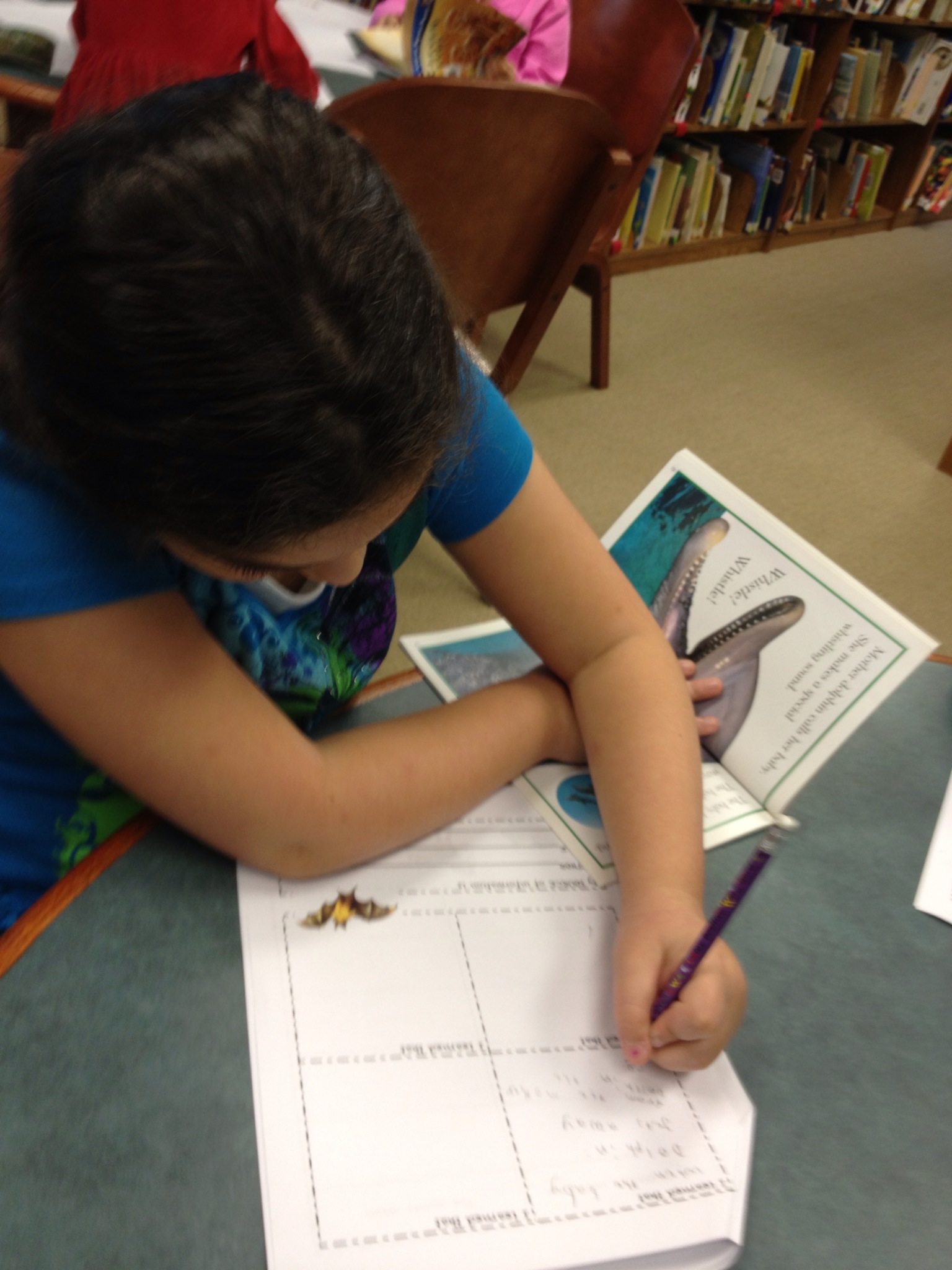
photo 2

photo 3-1

I deliberately approached this project step-by-step rather than let each student work at their own speed. So for each section of the organizer, we discussed the type of information to complete and I either modeled or showed examples. Then it was the students’ turn before we moved on to the next part of the organizer. Those students who completed their sections first worked with classmates who benefited from some help or simply encouragement.
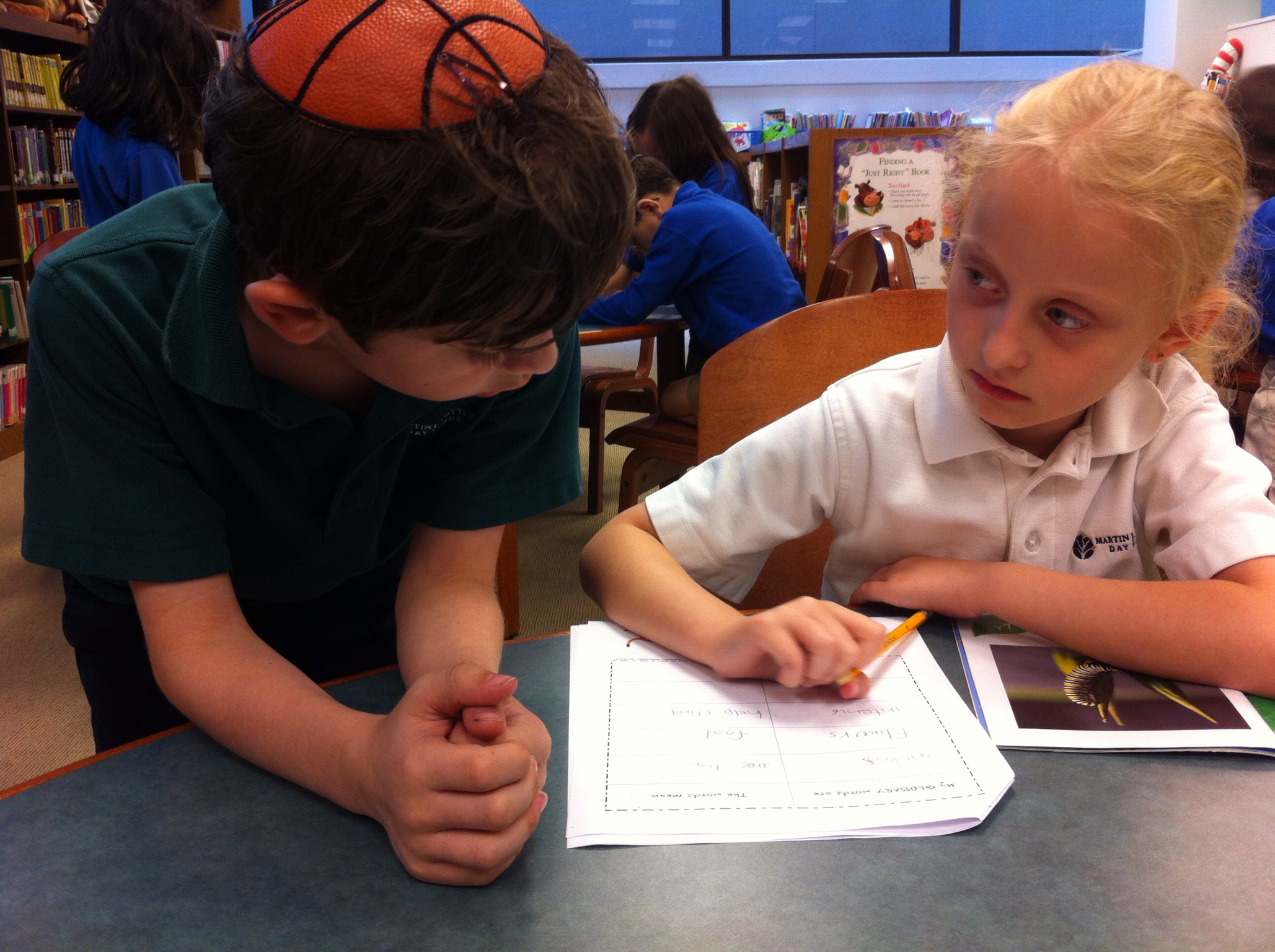
photo 1 11-37-41

photo 1

It’s never too early to introduce students to the concept of ethical use of information. So one section of the organizer required the “Source of Information”. We discussed plagiarism and the importance of citing information sources. For our purposes, students noted author names and book titles on their organizers.

Source Info

My 1st graders have experience using various iPad apps, including BookCreator, which they’ve used to create fiction books in the Fall. For this project, I wanted students to again use BookCreator to show their learning. Since it is impossible to create drawings in BookCreator, I decided to introduce the class to ExplainEverything, an app my daughter’s been using for her school work. Its a versatile tool for creating and can also be used for screencasting.

In all, each student created four images: An image for their cover page, a diagram of their animal complete with labels and a picture each of the animal’s habitat and diet. Once finished, the drawings were saved as image files to the iPad’s Camera Roll.

photo 4

photo 3

photo 4

The next step was to import the images into BookCreator app for iPad and transfer the text from the graphic organizer to BookCreator.  We spent several sessions on this. Each time, I emphasized the need to make sure all required elements are included and sentences have proper punctuation and capitalization. Invented spelling was just fine.

photo 1

photo 2-3

Our last session was a “quality check”: going through the book to check for all required elements (cover page, table of contents, wonder question and answer, diet, habitat, diagram with labels, facts, glossary, source, headings) as well as punctuation and capitalization.

photo 2-1 (1)

I was a bit worried that this project would drag on too long for the students to remain engaged, but they displayed an incredible work ethic throughout. They loved to learn about the animals and at all times lots of verbal sharing of information was going on. Also, I do believe that the use of iPads helped to keep them motivated. While I required that students included certain text features and information elements), it also was important for me to allow students to  exhibit their creative sides. So even though I mentioned that dark text on light background is easier on the eyes, some students just “really liked” the very light turquoise colored letters on white background, or the rather swirly fonts. Not easy on my much older eyes, but the products are definitely the students’!  I believe if we want students to take ownership of their learning and products, they must be allowed such simple freedoms.

The outcome of the digital nonfiction books is incredible! I am so impressed with my 1st graders’ skills. I feel very lucky to be working with such a creative group of kids. Each of them worked hard on their projects (a total of 13 45-minute sessions) to produce quality books about their research. Their books speak for themselves!

Inspired By Seth Godin

Seth Godin just published his 5000th post (!). This is obviously an incredible accomplishment, but what caught my attention was a link to another post nominated by one of his friends as outstanding amidst Godin’s many publications. It was published in 2004 and is short, so I am quoting it in full:

Five years from now…

Assume that:

Hard drive space is free

Wifi like connections are everywhere

Connections speeds are 10 to 100 times faster

Everyone has a digital camera

Everyone carries a device that is sort of like a laptop, but cheap and tiny

The number of new products introduced every day is five times greater than now

Wal-Mart’s sales are three times as big

Any manufactured product that’s more than five years old in design sells at commodity pricing

The retirement age will be five years higher than it is now

Your current profession will either be gone or totally different

What then?

IceHand_Ornamental_Divider_Englische_Linie

Isn’t that amazing?! Literally everything Godin predicted is trending in the direction he pointed out in 2004!  But Godin’s last point, “Your current profession will either be gone or totally different,” prompted me to reflect about my own professional life. I’ve been a librarian for 16 years now, academic for the most part, but for the last 1 ½ years in a K-8 school. And I’ve grown in each role.

The field of education has been greatly impacted by the digital revolution. Recognizing this shifted paradigm, teachers and librarians have been at the forefront of using the new tools to advance their professions and student learning. While the digital revolution has always had its pessimists who predicted a future without books and libraries, the role of librarianship has certainly evolved. New products and new practices constantly influence and change the nature of our work–almost always improving it.  In 2004, when Godin posted the above, I was employed at a community college. At the time, the college administrators and their hired architects designed a new “Information Commons” (aka library space) with only very little real estate for book shelving. Why? Well, because books would soon gain antiquity status. As my much wiser students would say, “Never!”

To rephrase Seth Godin’s closing question: What if I had not embraced change? My profession would not have been gone, but I would no longer be a participant. I would have become extinct, irrelevant. But I would also have missed a lot. Professionally, my job continues to change and I’ve learned to embrace this. Is there anxiety and trepidation at times? For sure! But our brains are not wired to be dormant. I watch our students who are not afraid to try new things, who are curious and creative and willing to try. As a good friend of mine has said many times over: Learning is messy! But it can be so rewarding and fun.

Interactive, Visual Student Reports

According to Wikipedia, visual literacy is

the ability to interpret, negotiate, and make meaning from information presented in the form of an image, extending the meaning of literacy, which commonly signifies interpretation of a written or printed text. Visual literacy is based on the idea that pictures can be “read” and that meaning can be communicated through a process of reading.

In today’s digital information economy, visual media and visual literacy are more important than ever. Developing the skills necessary to successfully negotiate the digital information universe, however, can be a challenging task. While anyone can create and share visual media, from basic image sharing via Facebook or FlickR to curation sites that rely on images such as Pinterest, Learnist, or ScoopIt, it is as important to be a discerning viewer and user of visual media as it is to be an expert producer.

Producing visual media expertly  is a skill my 4th grade students recently tackled when working on a biography project. Students have been studying Florida history with their social studies teacher, Shelly Zavon, and are working on expository writing with their language arts teacher, Stephanie Teitelbaum. Their teachers assigned them to research and write an essay about a well-known Floridian or person with strong ties to Florida. Since the students already had several sessions with me learning about website evaluation when “Googling”, I decided to introduce them to another search tool, Sweetsearch, which only searches a defined, safe list of websites. It was very easy for each student to find source material to write their essays.

Rather than concluding the project with the essay, we decided to have students create a visual representation of their work. I had been playing around with ThingLink and decided it was the perfect tool. ThingLink allows users to create media-rich images. Links to different media content are embedded in an image and can be viewed/read/listened to without leaving the image. The idea is, according to ThingLink, to “tell your stories.”

Once students completed the essay-writing-process, their first task was to find a Creative Commons image to use as a visual representation for their project. Most students found an image of the person. But others used an image of a statue of the person, an image of the Ringling circus cart, and an image of an old fort. Understanding the ethical issues surrounding the creation and use of images has been an ongoing learning process for my students and this project lend itself perfectly to reinforce those skills.

In ThingLink, the selected image functions as a starting point for the various types of media added. On the image, each item is represented by an icon, or “nubbin” in ThingLink lingo, of choice. To ensure consistency across their interactive, visual report, we agreed on the type of nubbin for each type of media content.

NubbinsReferenceSheetThingLink

In their ThingLinks, students were required to include their essays as links (a Google Doc published to the Web), the websites used as information sources for the essays (one “Person” nubbin each), and the proper citation for the images used (the “i” nubbin). All supplemental media content could incorporate any information in the bullets below, of which the students found a great variety.

  • Images
  • Biographical websites
  • Videos
  • Podcasts
  • Interviews (text and audio)
  • Museum exhibits
  • Statues
  • Quotes
  • Book reviews

Finding and evaluating other media content required students to think more deeply about the person they were researching in order to create meaningful representations.

To complete the process of creating a ThingLink, students used a checklist for self assessment.

Despite the fact that my 4th graders have been learning about using information ethically all year, there were still two of the 20 students who used images that were copyright protected. Consequently, both had to redo their projects–which took each only about 10 minutes at the most. Creating the ThingLink itself is easily accomplished, but selecting content to place in context and evaluating it is rather time-consuming. For student learning, this project was clearly about the process not the product. To create their interactive, visual reports, students learned and continued to build upon various skills, from the research and writing processes to digital citizenship to technology to visual literacy.

(BTW, there is also a free mobile ThingLink app, which as of May 2013 is still quite clunky, but I cannot wait to work with it once fully developed.)

Just like my students, I think you are going to find this visual format appealing. Here are some examples of the stories they are telling (click the images to open):

Real Author, Engaged Learning

imgres

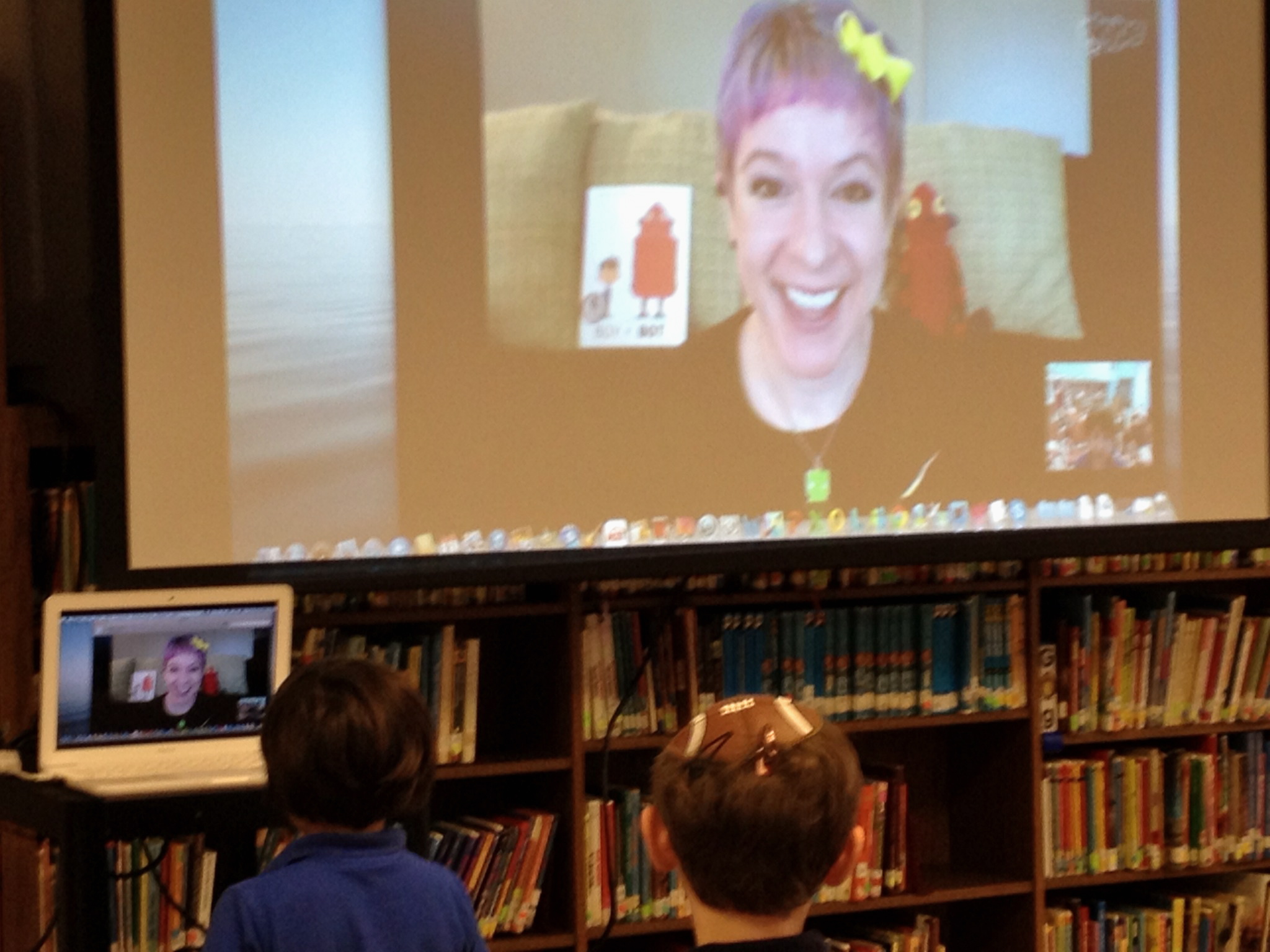
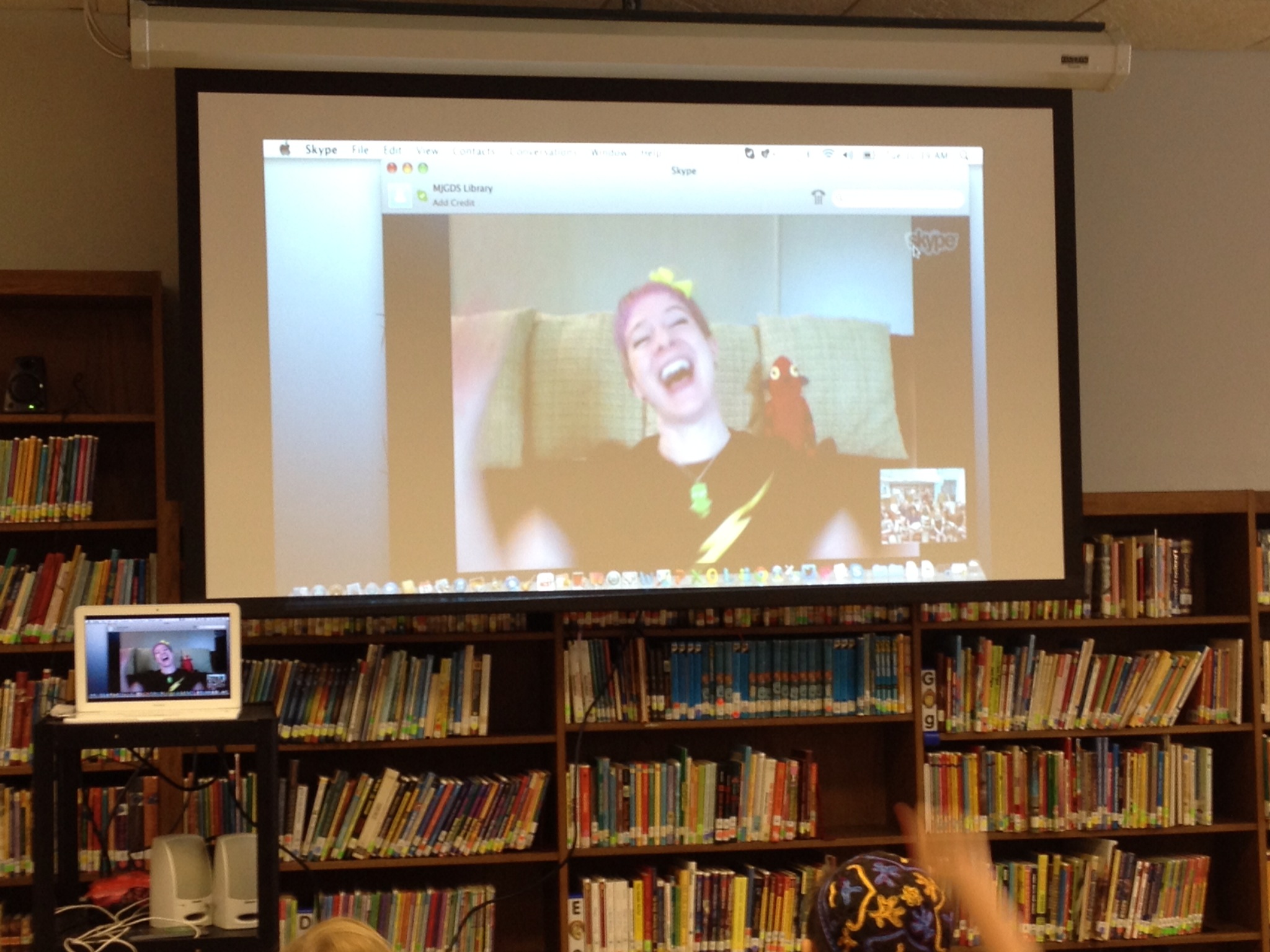
My first graders and I had our very first author Skype visit! Now we are hooked! We had the great pleasure to visit with children’s book author Ame Dyckman, who published her first book last year, Boy + Bot. A second book is scheduled to come out this year, and she is already working on her third publication. Boy + Bot is a simple story about friendship and differences. Many of the beautiful  illustrations are wordless, but brought to life by Dan Yaccarino’s art. Ame gave freely of her time, a generous 30 minutes, visiting with us in Florida from her living room in New Jersey.

photo 5

To prep the students for our visit, I showed them the book trailer and then read the story. The students quickly articulated the theme: Friendship and being different. Several students listed how their friends are different from them, but are still great friends.

Then we brainstormed possible questions to ask Ame. Our curious students generated a long list, ranging from “What was your inspiration?” to “How long did it take you to write the book?” to “How do you publish a book?” to “Where do you live?” to “How many pets do you have?” and “What is your favorite sport?” Each student then chose a question and wrote it on a piece of paper. To avoid duplication, we went around the room and replaced those questions that were repetitive.

photo 1 13-22-23

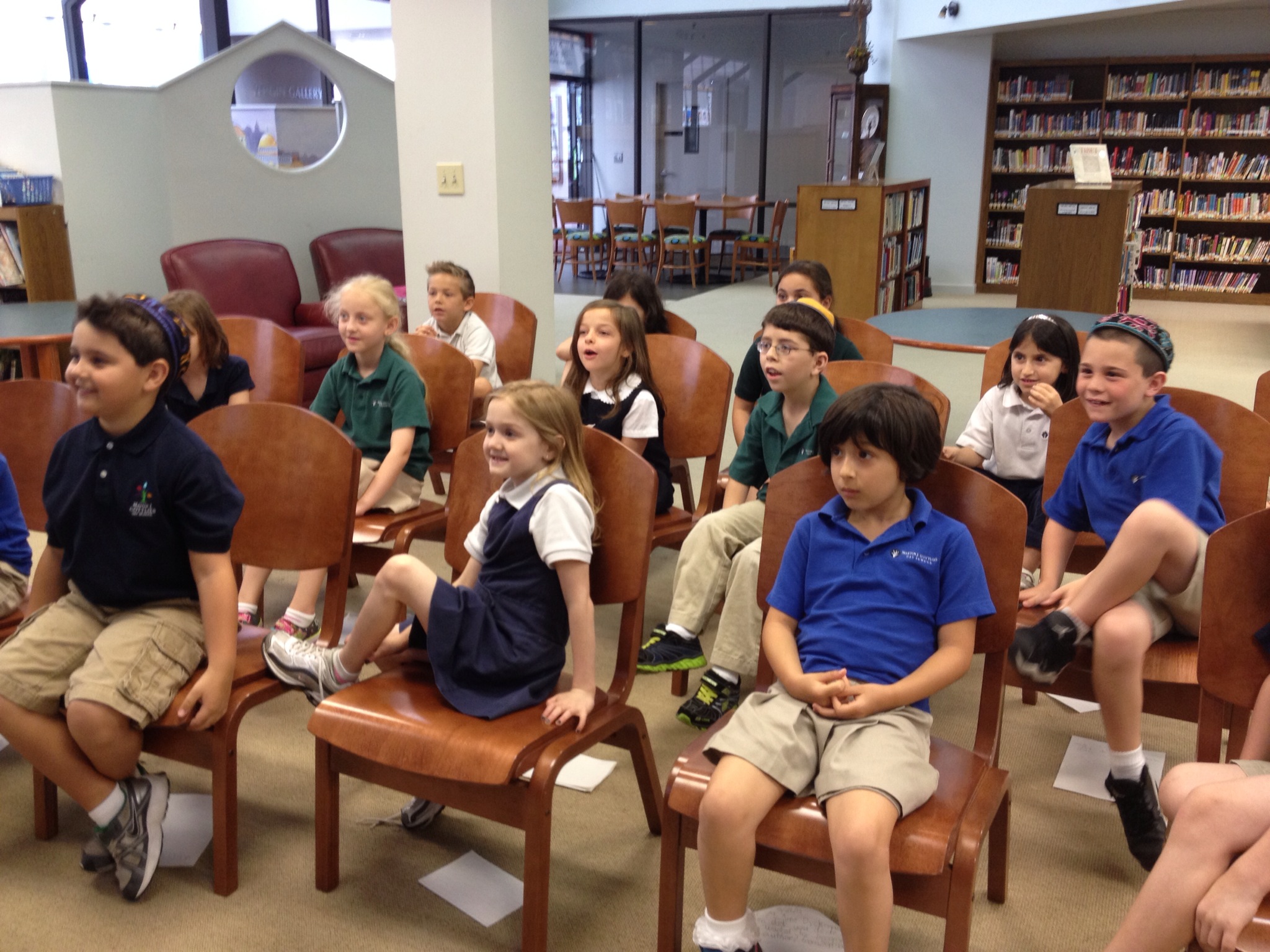
During the Skype visit, two of our students introduced the class and then each student asked their question. Ame was so engaging and entertaining, generating more and more questions and comments! If we hadn’t kept her for 30 minutes already, our students would have gladly visited with her some more.

One student asked Ame to read a story and much to everyone’s delight, she read Bark, George by Jules Feiffer, one of her favorites. To top it all off, Ame had sent a package with Boy + Bot bookmarks, stickers, and bracelets — enough for each student in the class and extra for the library.

photo

My take-away: Skyping with Ame Dyckman was a perfect introduction to virtual visits with authors. Students were engaged and inspired. This was an authentic event, telling students that authors are indeed real people who work hard at their craft to produce beautiful stories.

photo 2

Thank you, Ame!

Acrostic Poetry and PicCollage

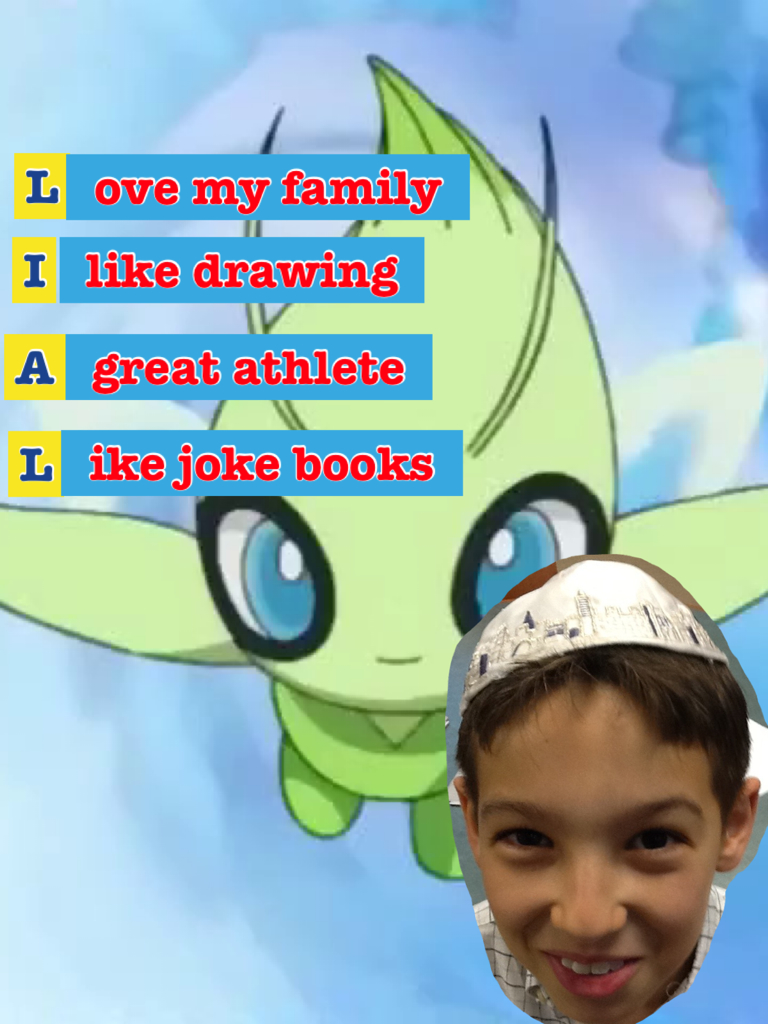
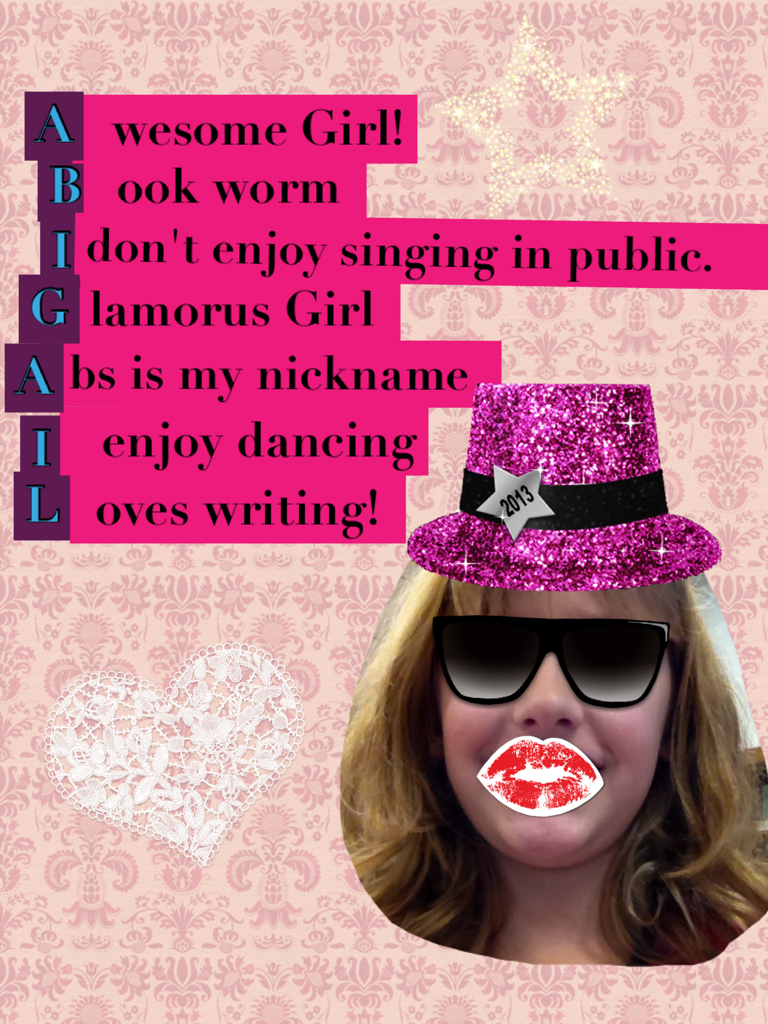
In 3rd grade, we continued our celebration of National Poetry Month. Students wrote acrostic poems and created an artifact for their blogfolios. An acrostic poem uses the letters of a word or name to begin each line of the poem, and each line must in turn relate to the word — a fun and very simple form of poetry. The subject can be anything. For our mini-lesson, students used their first names for their topics.

We began by looking at an example of an acrostic poem. Then, using pencil and paper, students brainstormed a list of words or phrases that describe them best and used those words/phrases to let their creative juices flow and draft their poems.

photo 2-1

Once poems were written, students used the PicCollage app for iPad to create their artifacts. I modeled the process and then it was the students’ turn.

In PicCollage, they took photos of themselves (or had a friend do it for them). They “clipped” their images and then added their poems. To make the first letter of each line stand out, the instructions were to choose a background color different from the rest of the text.

photo 3-3

This was a fun and quick lesson, forcing students to think of attributes that describe themselves and apply them in a creative way.

AllieB

LialA

JuliaD

AbigailF

Visualizing Shel Silverstein

It’s National Poetry Month–and since I love Shel Silverstein’s work (and we have a good number of his books in the library), I did a mini poetry session with 3rd grade in the library last week. As an introduction, we watched “Ickle me, Pickle me, Tickle me too” (see ShelSilversteinBook’s channel on You Tube) read by Silverstein himself. My goal for this lesson, however, was for students to understand “visualization” as a comprehension strategy: Make a mental picture to help you understand text.

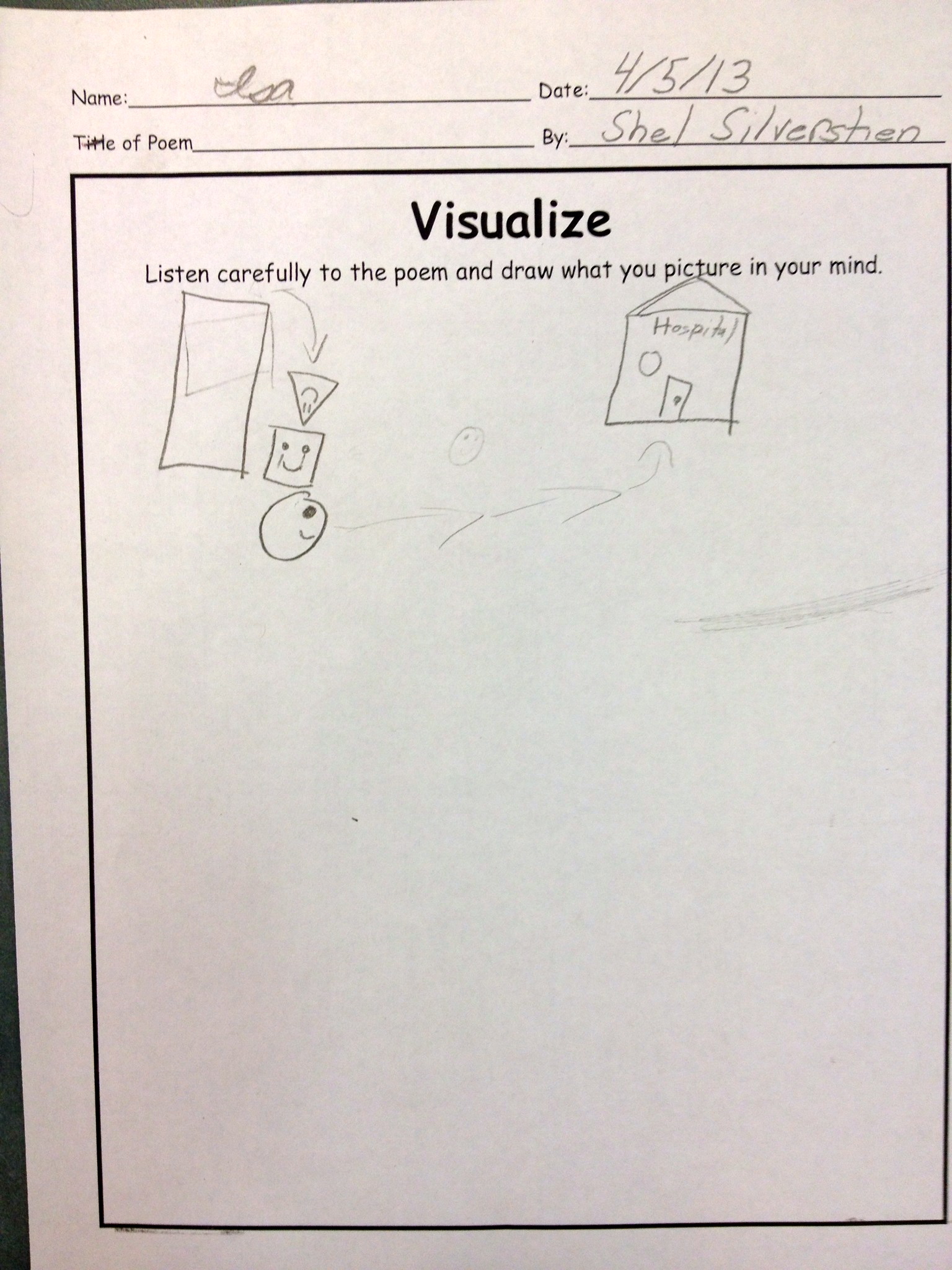
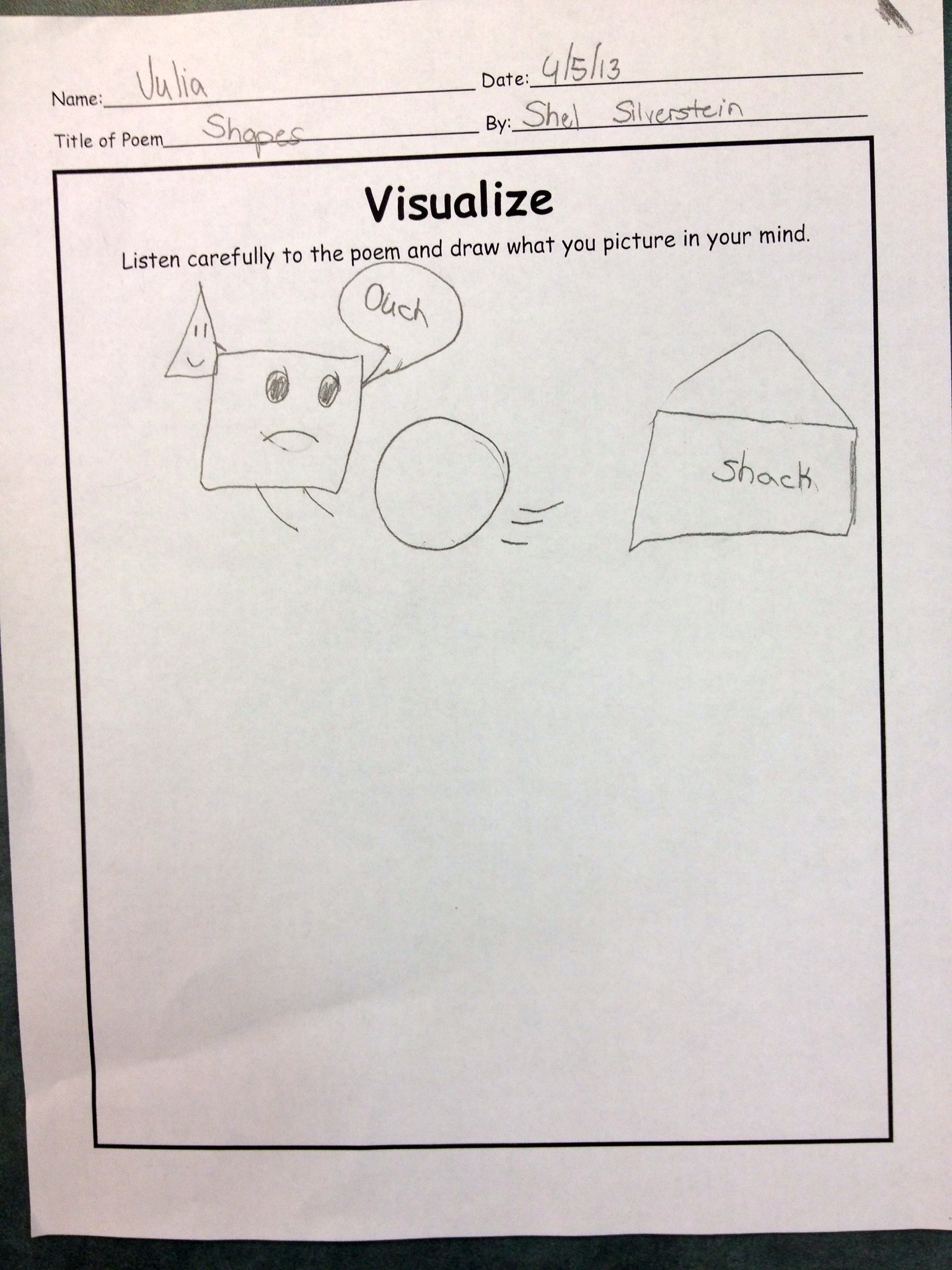
I adapted a great lesson about visualization from a math (yes!) site and read-aloud the following poem:

Shapes

A square was sitting quietly

Outside his rectangular shack

When a triangle came down–keerplunk!–

And struck him in the back.

“I must go to the hospital,”

Cried the wounded square,

So a passing rolling circle

Picked him up and took him there.

As I read the poem, students were drawing their visual interpretations of the poem. It was interesting that a couple of students were worried about what or how to draw. I had to emphasize and re-emphasize that there is no right or wrong way and that we all form different mental images of text. The result was a very unique illustration from each student. Some focused on the shapes, some on the hospital.

photo 1

photo 2

photo 3

photo 4

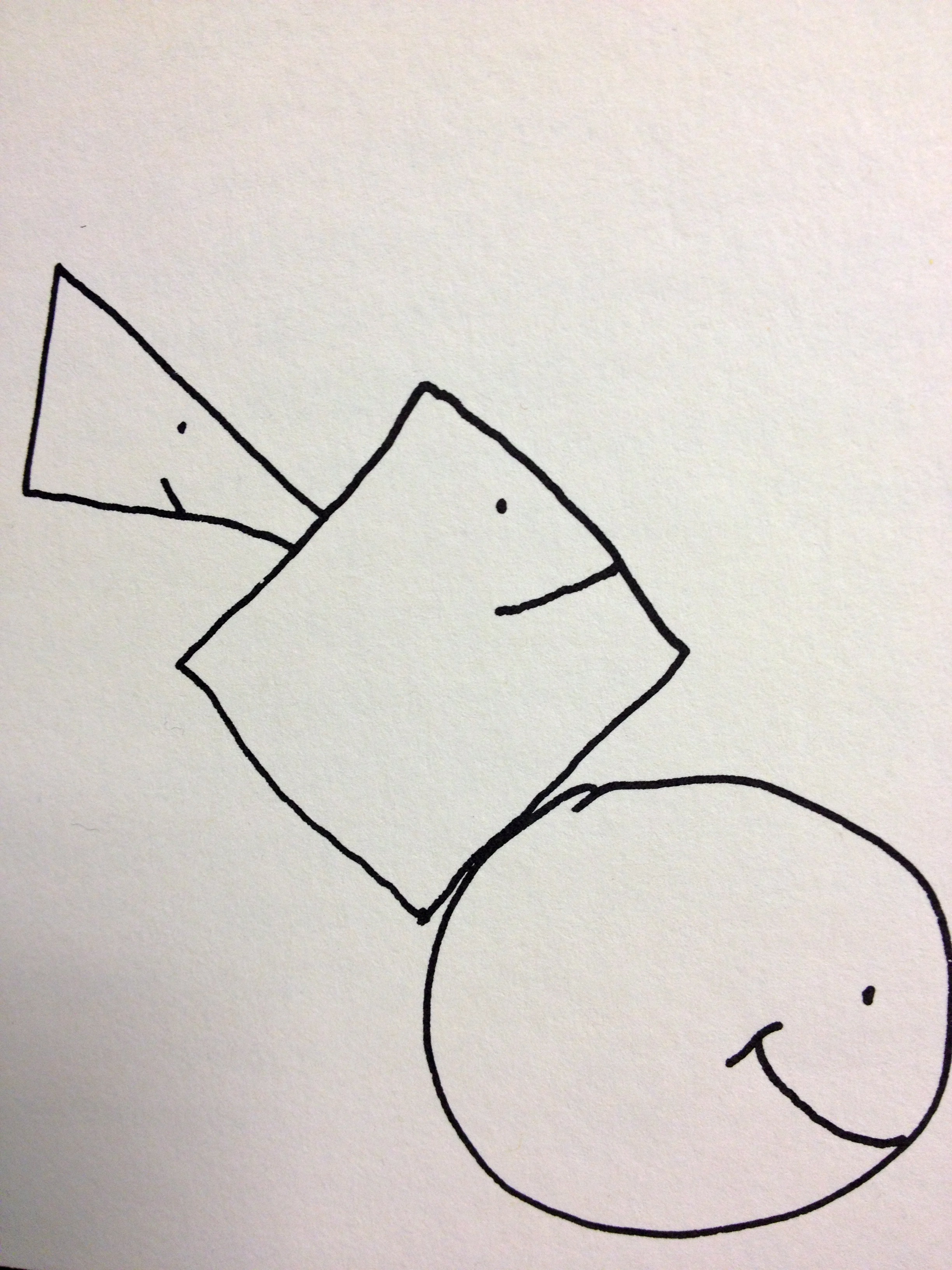
Then I shared Silverstein’s illustration with the class. As it turns out, he chose to not illustrate one part of the poem. Can you guess what is missing in Silverstein’s illustration?

photo

(From A Light in the Attic, 1981)

3rd Grade Global Study Project: Socializing Students to Information Overload

One modern classroom skill is global awareness. Our third graders have been taking advantage of many “Skypportunities” across the globe over the last few months. So when considering a research project for 3rd grade, I thought it only befitting to do country studies with the students.

Introduction

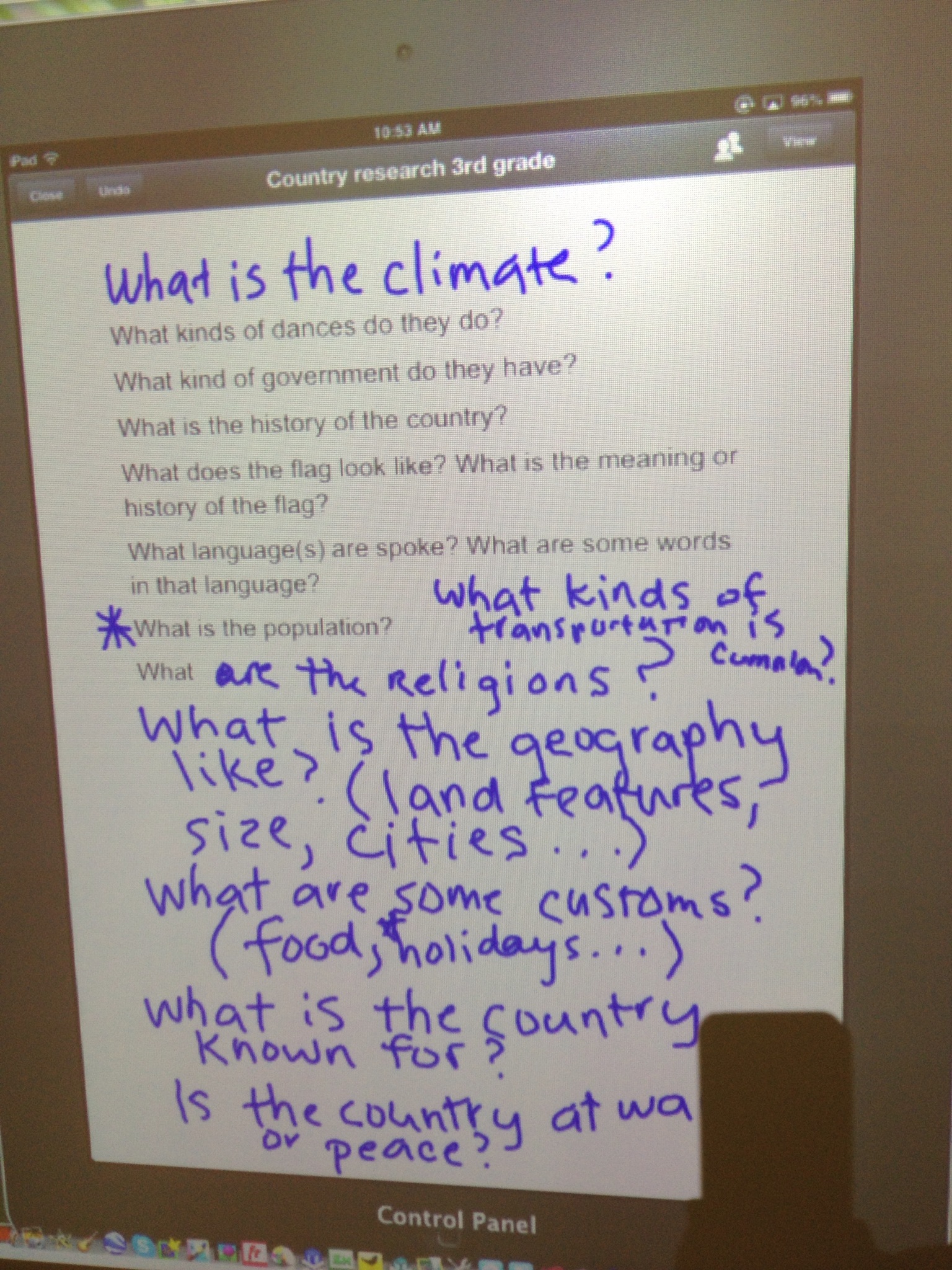
After each student had chosen a country to study, they brainstormed specific information they wanted to learn about the country. We then collected the information in a KW chart.

photo 2-1

photo 3

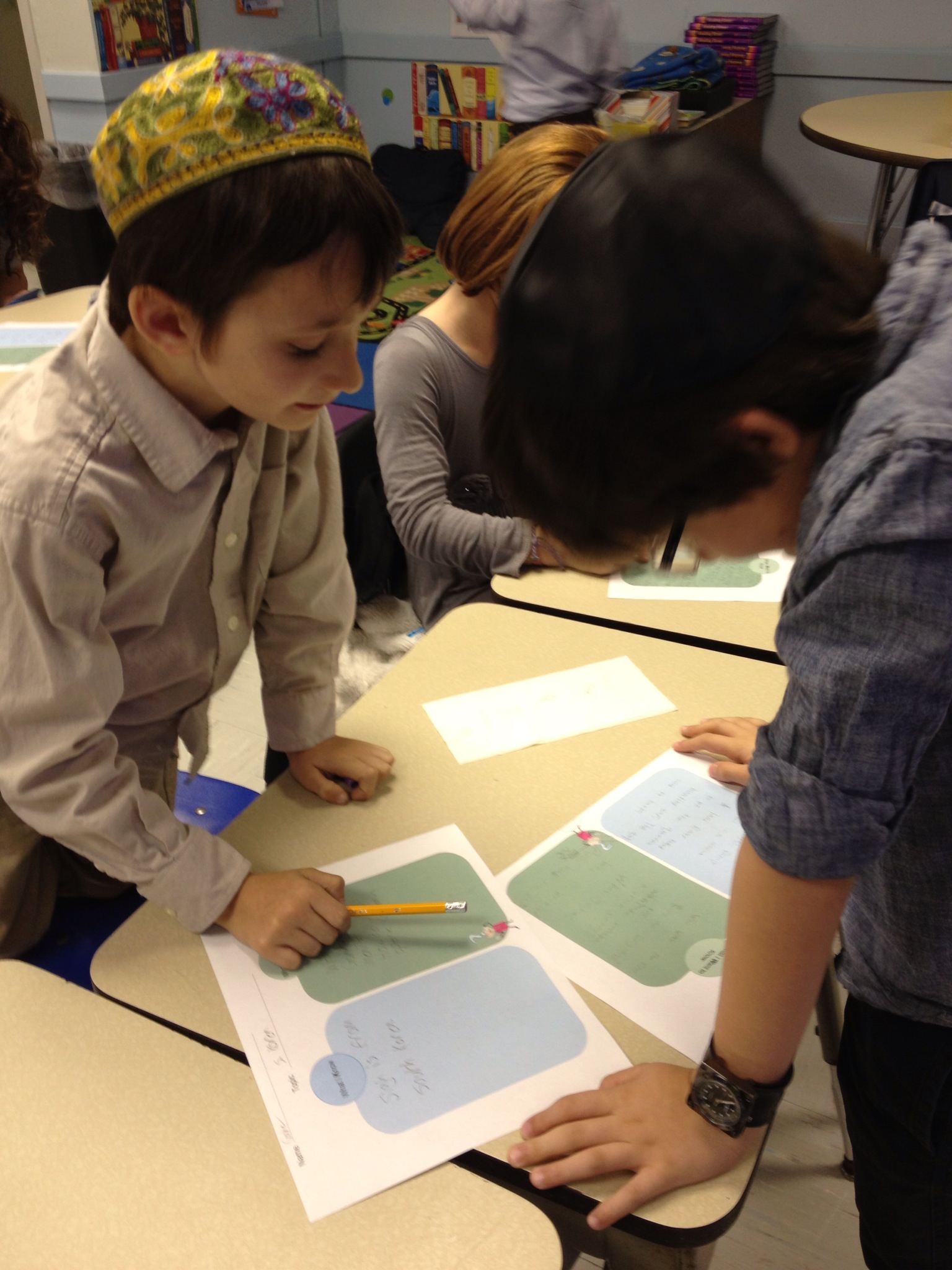
I then used the KW chart to create a Note Taking Graphic Organizer for the students. I used all of the students’ questions and added three of my own:

  • Identify one way this country is different from ours
  • Identify one way this country is the same as ours
  • Would you like to visit the country some day? Why or why not?

Research

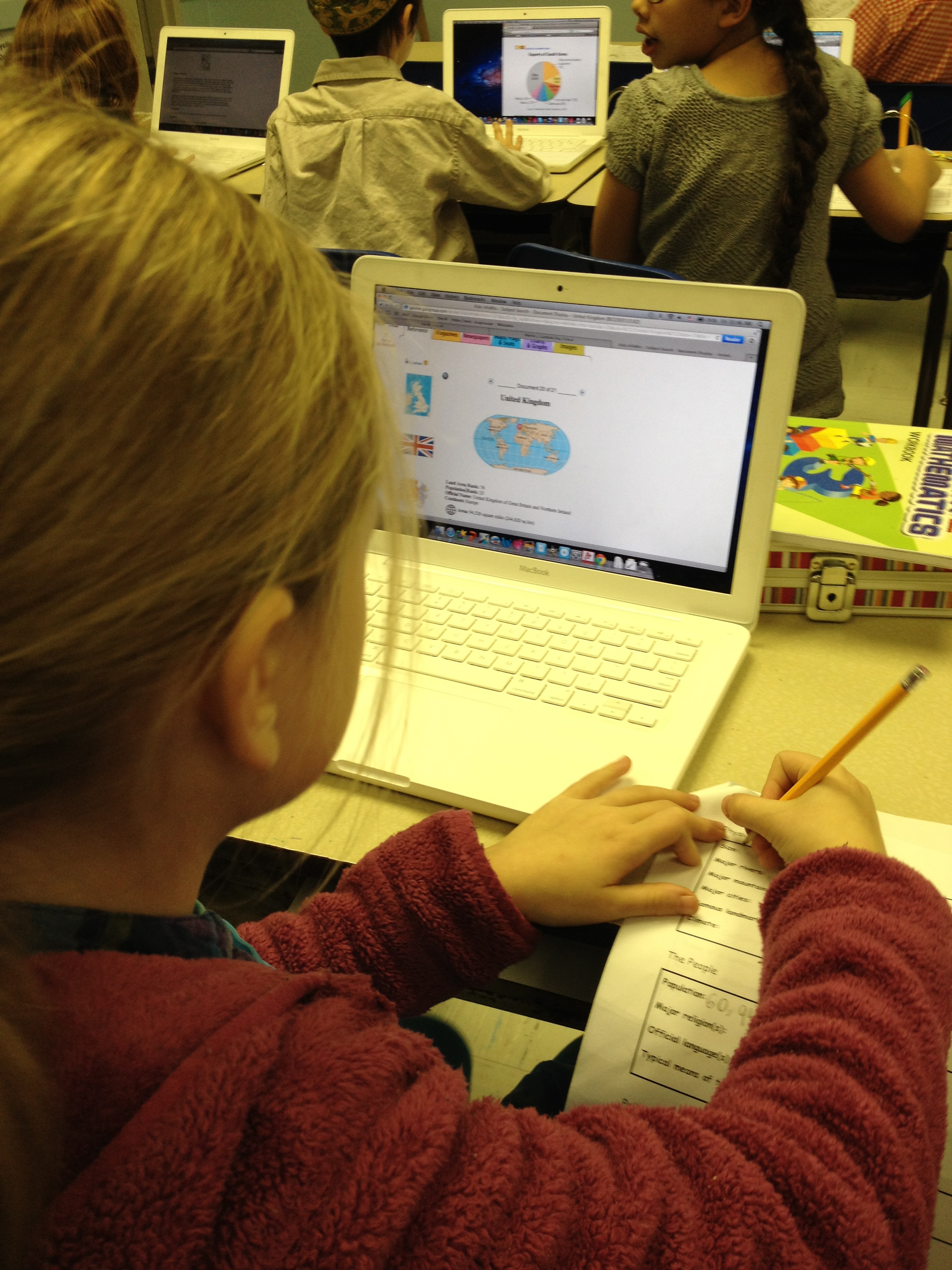
For their information resource, students searched the Kids Infobits (Gale) database. Since they had been introduced to the database earlier, students knew how to navigate this information resource. We spent four 45-minute sessions finding information, reading text for information, and summarizing information using the note taking organizer. I like the Kids InfoBits database as it exposes students to different types of source materials (reference, magazine and newspaper articles, maps, graphs and charts, images). The students quickly figured out that a lot of the information they needed could be found in one of the “Country Overview” reference articles. One student discovered that there are pie charts in the “Graphs and Charts” section showing a country’s religions, which nicely complemented their math lessons where they were learning all about such graphic representations.

photo 2 12-21-29

Product

For a product, students created a Top Five Reasons to Visit/Live report (see “Foundations for Independent Thinking: Look to Bloom and Marzano” by Liz Allen) using Tech4Learning’s Pixie software. The project required not only a transfer of information collected on the organizer to Pixie, but students were challenged to provide detail and/or comparisons in their statements. For example, rather than simply writing: “They have lots of different religions”, a more specific statement would be, “Judaism is the major religion in Israel.” Or, rather than stating that “They have interesting places to visit”, “In China, you can visit the Great Wall, which is so big that you can see it from space.”

Pixie - nahila.venezuela

Pixie - Julia.China

After all their hard work, students shared their products with the class. There were lots of questions for each presenter from curious classmates!

photo 2

Negotiating Information Overload

To some degree, this was very much a student-driven project, as students chose a country to research and generated research questions about the country of their choice. The level of engagement was high throughout the project. Students really enjoyed finding out about unique animals and special foods and loved to share the information with their classmates as they were discovering new information during the research process.

Still, reading text for information clearly is challenging for all students. And even though we used a kid-friendly database for our information resource, not all information was easily understood. Students were challenged to learn new vocabulary (e.g., population, climate, transportation, reference source) and needed many reminders to not simply scan an article but to read it in its entirety. I limited the research stage to four sessions. Some students had already completed their organizers after three sessions, others were not finished after four–but all students had enough information to create their products.

Creating the Top Five Reasons report again challenged them to think critically by using the information they had gathered, evaluate it, and then apply it in a new way. Initially, we required the Top Ten reasons, but found that most students simply listed very basic information (as mentioned above). So we changed the requirement to the Top Five insisting on quality statements: Convince me to want to visit or even live in the country.

I think students found this last step so challenging because while they had gathered a lot of information, they often did not read texts in their entirety but rather skimmed or scanned them for the information sought and then moved on. I’ve observed this research behavior in many of my older students as well: Skim or scan the first few results of a Web search, then enter a new search or simply give up.

Not reading closely also caused some students to provide incorrect information. For example, one student claimed that the South Korean currency is the “Korean dollar” and another student claimed that Boxing Day is celebrated by Kangaroos boxing each other! While very imaginative, the information obviously is incorrect.

If I were to do this project again, I would begin by modeling the information gathering process with a focus on how to closely read and extract information.  Also, I would focus the information sought on more unique facts and encourage students not to get overwhelmed.  So rather than determining the political system or size of the country (neither of which really tell the students much anyway), focus on customs and culture. Some such questions were included in the graphic organizer, but they were not the focus of the research. I believe fewer but more in-depth questions would have forced the students to read text more closely and made it less challenging to come up with those reasons that can convince me to live or move to another country!

Introducing 2nd Grade Students to Research

To celebrate Black History Month our 2nd grade teacher asked me to collaborate on a student research project. Her general goal was for students to each learn about one famous African American. For me, this was an opportunity to bolster students’ information literacy skills by engaging them in some heavy duty research.

Pre-Activities

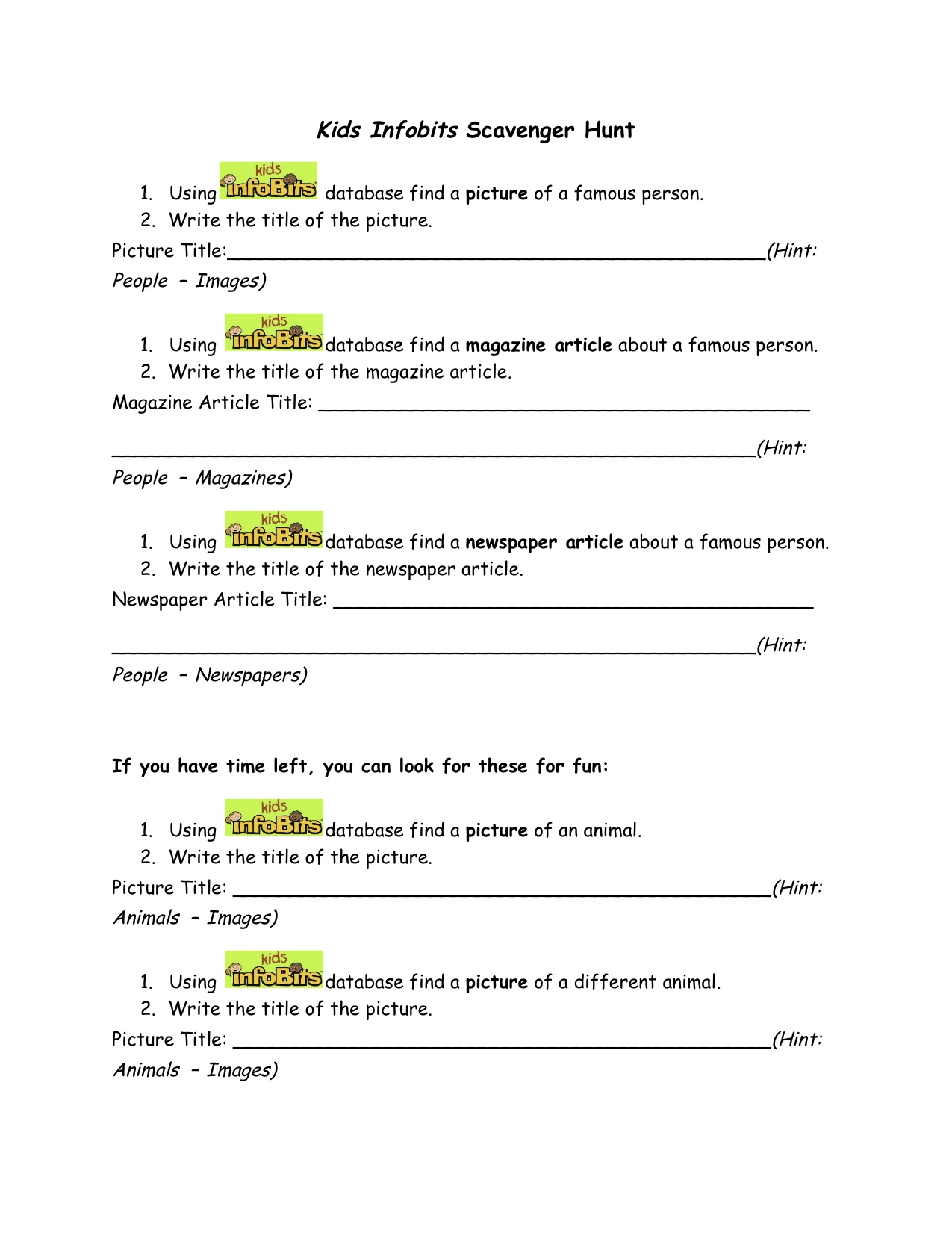
The first step was to assure students were able to define the biography genre. I asked them to explore a number of different biographies and then we collaboratively identified the information one can find in them. Next I introduced the students to our research tool, the Kids InfoBits (Gale) online database, which offers student-friendly articles on a variety of subjects. Inspired by a “scavenger hunt” created by librarians at Round Rock Independent School District, I created an adapted version for my students to let them explore Kids InfoBits.

KidsInfoBits Scavenger Hunt

Research

To guide their research, students used a simple graphic organizer (see timeforkids.com) requiring the completion of four major areas of information. Additionally, if students could find one, they were to add a quote by the famous person they were researching.

Biography Organizer

It turned out that some students felt overwhelmed by the amount of information available through the database and/or found the online articles too difficult to comprehend. So the classroom teacher supplied lower reading level print biographies to those students. Since the print text also offered many pictures, students were able to extract information more easily.

photo 2

Finally, I always want my students to self-check their work before we move on to the next step. So once the research process was completed, students used a Biography Check form I created using the Comic Life app for iPad.

Biography Check

Product Creation

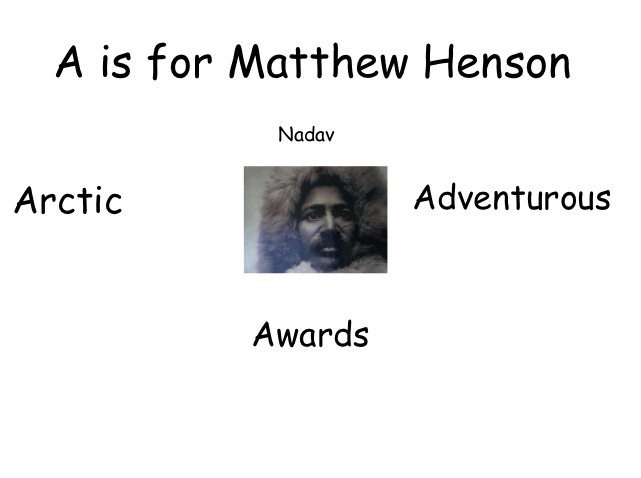
My colleague and our school’s Director of Teaching & Learning, Andrea Hernandez, suggested students create an Associative Letter Report (see “Foundations for Independent Thinking: Look to Bloom and Marzano” by Liz Allen) as their cunulative project.

Similar to an ABC-style book, an associative letter report asks students to take what they know about a topic and organize the information around a specific letter. For example, a student assigned the letter “B” and Rosa Parks might write “B is for Rosa Parks because she was brave when she would not budge from her seat.”

So before creating the reports, students had to think of nouns and adjectives to describe their person–and to ensure all those nouns and adjectives begin with the same letter. This was not an easy task and involved some problem solving and thinking outside the box. We did not require a minimum number of words, but left it up to each student’s ability. Some of them thought of six words, others just two.

Pixie - Nadav1

Students used the Pixie2 software (Tech4Learning) to produce their reports. We gave a few guidelines, including font must be black for readability, titles should be large enough to read, one image per page. As before, once the reports were completed, I asked students to self-check their work by providing them with another checklist (also created with the Comic Life app for iPad).

Bio Project Check


Student products are presented in the following videos:

Part 1

Part 2

Presentations

Students presented their projects to the class. We video recorded each presentation. As a next step, the classroom teacher will upload the report artifacts and recorded presentations to each student’s blogfolio. To conclude the project, students will reflect on their work and presentations.

photo 2
Reflection

My goals for this project were for students to conduct research, read for information, apply critical thinking skills to organize the information found, and create a final product using the information. It was an ambitious project, especially since the students had no prior research experience. But the students learned by doing. And while the research process was at times frustrating for some, I think all students improved their stamina to stay actively engaged in more in-depth projects.

The Pixie project was a great tool for differentiation. As their products show, some students created up to six separate slides with full paragraphs of text, while others created only one or two slides in the same amount of time with only a sentence or two. In this group of 19 students, there is clearly a range of developmental and academic ability represented and the project served this range well.

It definitely helped that the classroom teacher agreed to add an additional hour per week to our schedule. Initially, we met only once weekly — not at all enough time to allow students to “connect” to the project. In the future, I would definitely work out a schedule with the classroom teacher that involves the children multiple times weekly.

At times, a visitor to the classroom may have considered the lessons chaotic, but if he had listened closely, he would have heard students talk excitedly about “their famous person” to their desk neighbor, shared an image with another student, or helped a classmate in the use of Pixie. Students were focused on their work and engaged in learning throughout the project.

A Big Red Flag: Citations as a Source of Concern

My 4th and 5th grade students are currently writing ebooks: 4th grade on the short-lived local French colony, Fort Caroline, and 5th grade on the Lost Colony of Roanoke. The ebooks are culminating projects based on a previous unit I did with both classes using Diigo to organize information.

We began our ebook unit by looking at several excellent student-produced, non-fiction examples I had downloaded from the iTunes store. The examples included not only text, but also student-produced images as well as audio and video recordings.The books were creative and informational and served to motivate and inspire my two classes as they have begun the process of creating their own ebooks.

Standards_cover_200pxAs beautiful as the books are, however, not one cited any information sources. As a librarian, this is a big red flag! My practice as a school librarian is guided by the common beliefs expressed in the American Association of School Librarians’ Standards for the 21st-Century Learner (2009), one of which is:

“Learners…share knowledge and participate ethically and productively as members of our democratic society.”

In our copy-and-paste information world, how do we teach our students to use information both correctly and ethically? Most of my career, I have worked in higher education.  I have spent many hours teaching college students the various citation style formats. Even for these students, it is not an easy, nor enjoyable, task. But, as I tell my elementary students, you may not use someone else’s idea or work product and publish it as your own. It is as simple as that. Also, citations allow readers to not only access the original source, but also potentially find more information.

So I’ve spent the last two sessions with my 4th/5th graders discussing the need for crediting sources and creating citations. For this age group, I’ve decided to use a simplified Modern Language Association (MLA) format, consisting of author, web page and website titles, publication format, and date of access. (For this project, student research consists entirely of web pages.)

Reflection_ Citations_ A Source of Concern - Google Drive

As for understanding the need to cite sources, my students are savvy, already getting lots of practice as regular student bloggers. But creating formal citations is so much harder. Students have to understand not only the various elements of a citation, but also where to locate those pieces of information and then putting it all into the correct format. It is a tedious and time-consuming task, but we are getting there.

The process has been a learning challenge for my young student authors–and  their librarian alike. But as the AASL points out, source citation is a matter of ethics. I cannot wait to upload our ebooks to the iTunes store. But first, we have to master the specifics of full and proper citation! Those ebooks will be examples of not only “sharing knowledge” but also “participating ethically and productively as members of our democratic society.”

Resources
Copyright and Fair Use Guidelines for Teachers (Edudemic.com)

EasyBib: Free Bibliography and Citation Maker (Imagine Easy Solutions, LLC)

MLA Style (Purdue Online Writing Lab)

Rhyming Dr. Seuss


Since March 2 was Read Across America Day, a celebration of Dr. Seuss’s birthday, I have been reading various Dr. Seuss books with 1st grade. Last week we read Oh, the Places You’ll Go and talked about how pictures can be a clue to a story character’s emotions. This week, we read Green Eggs and Ham. The story consists of only 50 words and lends itself beautifully to develop phonemic awareness — rhyming skills in this case (another great title for this lesson would the The Cat in the Hat). After reading, students brainstormed the different rhyming pairs Dr. Seuss used in the story.

I am — Sam — ham
fox — box
mouse — house
tree — see
train — rain
here — there — anywhere
car — are
goat — boat

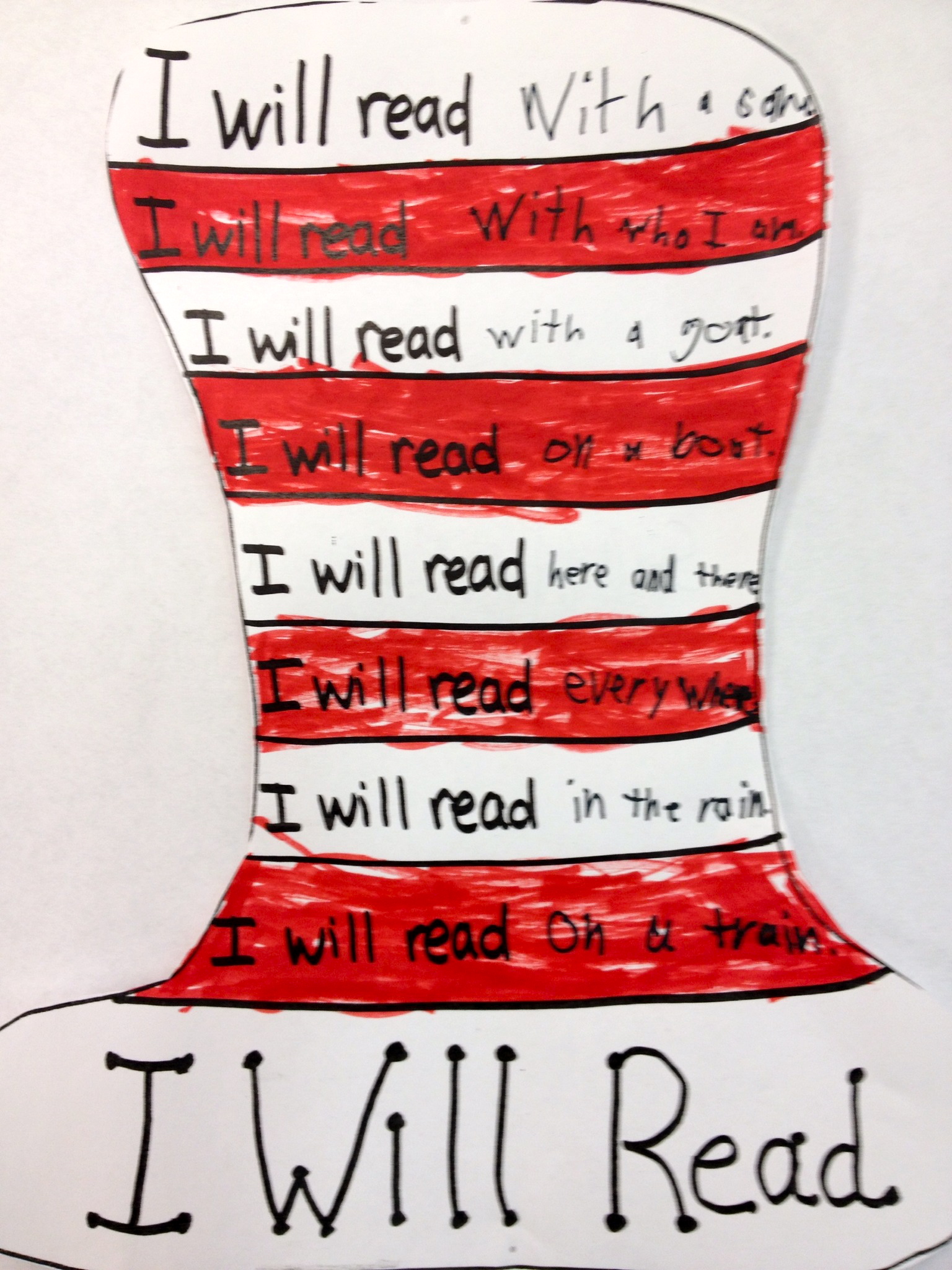
A 1st grade teacher’s blog inspired this lesson. I created a Seuss hat template and added the words I will read to each hat section.

Hat Template

Using red markers, students then colored every other hat section in red. They used black markers to complete the I will read sentences by either using one of the rhyming pairs we had brainstormed or creating their own pairs.

Student Sample 2

Student SampleColoring can be such a Zen-like experience for the kids! It did not take long for one girl to sing “I will read, I will read” and so on (interesting melody, same lyrics) and for the rest of the class to chime in. A fun 30 minutes with a great group of kids!